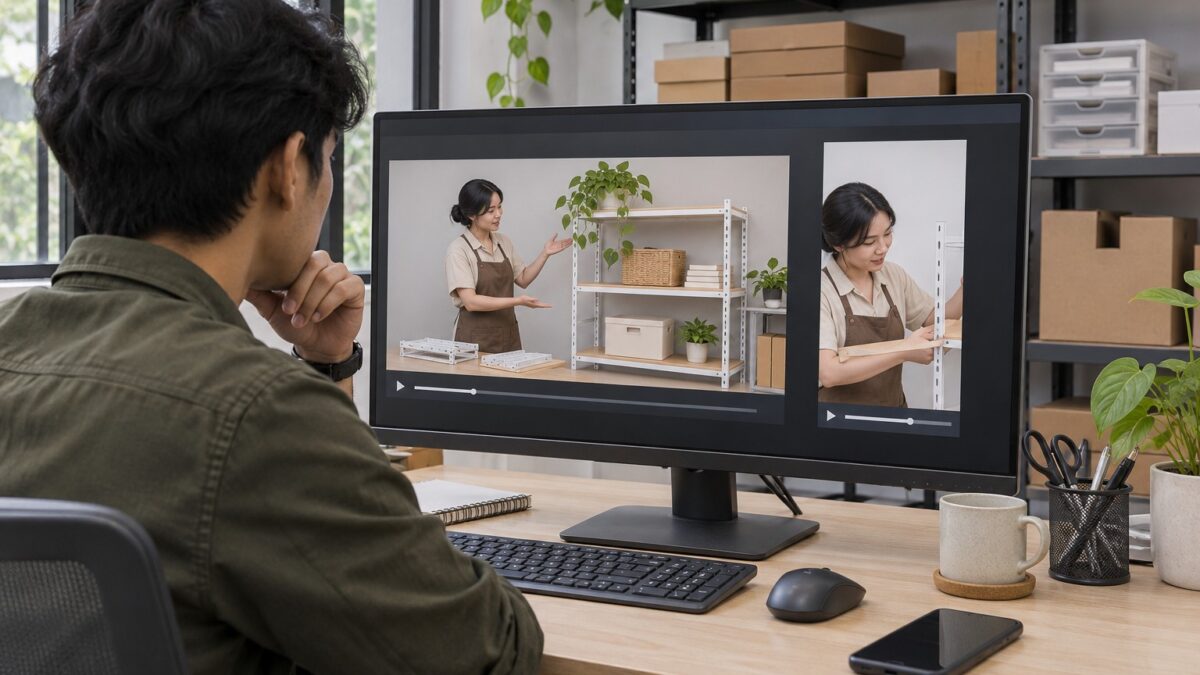
A landscape ad can look complete on a wide monitor and become confusing on a phone. A person remains in frame, but the product they are demonstrating has disappeared. Or the product is visible while the offer condition sits outside the crop.
To adapt a landscape video ad for a vertical screen, first identify what the viewer must see and understand. Then decide whether each shot can be cropped, needs a moving reframe, or should be rebuilt. The right choice depends on the action inside the frame, the available source material, and the intended placement.
This guide concentrates on the video adaptation. For the broader decision about what an ad concept must preserve across formats, see how to adapt one ad concept for multiple formats.
Start with the job of the vertical version
Identify the audience, campaign objective, placement, offer, and intended next action before opening the editor. A vertical video intended to generate quotation requests has a different job from a product demonstration intended to explain a feature.
Next, watch the landscape version and note the moments that carry its meaning: the opening context, the action or evidence, the offer, any material condition, and the call to action. Separate these from details that provide atmosphere but are not necessary to understand the ad.
For example, imagine an Indonesian business advertising modular office shelving in selected delivery areas. Its landscape video shows a worker assembling an available configuration beside a desk, then invites viewers to request a quotation. The desk helps establish scale, but the connection between the shelf components is the essential demonstration. The delivery condition must remain clear wherever it is needed to understand the offer.
Before editing, gather the highest-quality source footage available, the original project if accessible, separate graphics and captions, and the current product and offer details. Editing from a flattened video can still work, but baked-in text and graphics are harder to reposition cleanly.
Choose between cropping, reframing, and rebuilding
A vertical frame uses less horizontal space. The decision is whether the remaining area can still explain the shot without misleading or confusing the viewer.
| Approach | Use it when | Main trade-off |
|---|---|---|
| Crop | The subject and necessary action remain clear inside a fixed vertical window. | Fast to prepare, but surrounding context disappears. |
| Reframe | The subject moves and a carefully adjusted crop can follow it without losing essential context. | Preserves existing footage, but movement may feel distracting or reveal image-quality limits. |
| Rebuild | The original shot depends on widely separated elements, unreadable embedded text, or action that cannot fit together. | Gives more control over the message, but may require alternate footage, redesigned graphics, or a new shoot. |
A fixed crop is a sensible first attempt when one product stays near the center throughout the shot. Reframing is useful when a hand moves from a component to the connection point and both moments can be shown clearly in sequence. If the meaning depends on seeing two distant objects at the same time, a moving crop may simply hide one while showing the other. Consider a new angle, a split sequence, or a short replacement shot instead.
A smaller landscape image placed within a vertical canvas can preserve the whole composition. It is a compromise: the action and text may become too small on a phone. Use it only if the important details remain understandable at the size viewers will actually see.
Reframe the action shot by shot
Create a vertical sequence in your editor using the dimensions required for the intended placement. A 9:16 canvas is a common vertical working format, but the destination’s current specifications determine the final export. Keep the landscape master and work on a separate version.
For each shot, place the crop around the information the viewer needs at that moment. Move the crop only when it helps follow meaningful action. Keyframes can control the position over time; watch the movement at normal speed so the frame does not chase every small motion or cut off a hand, product, or result.
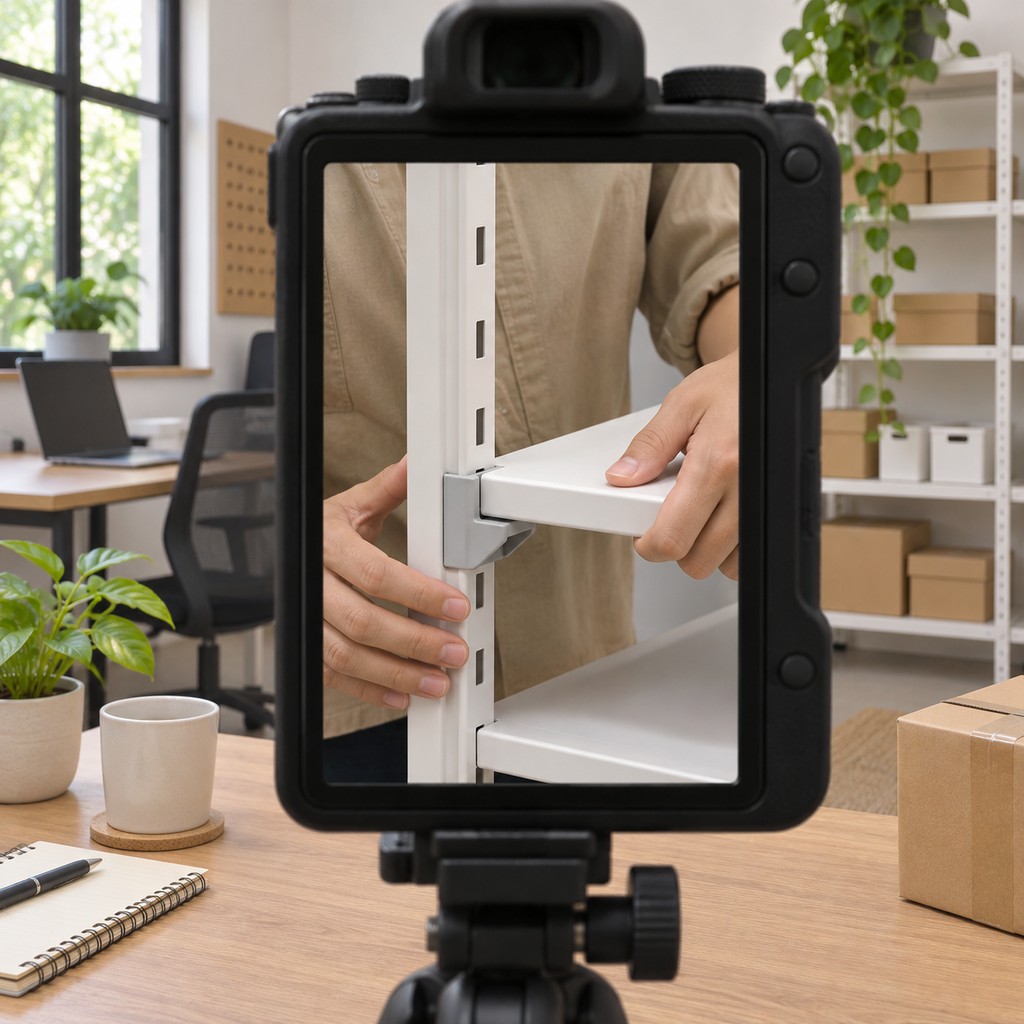
In the shelving example, one shot might begin on the component in the worker’s hand and then move toward the joint. If the crop cannot show how the component reaches the joint, cut to a closer angle or use another take. If the original footage never captured that relationship clearly, do not invent a demonstration with an unrelated shot.
Check the whole sequence, including the first and last frames of every cut. A crop that looks good on a still frame can fail when a subject enters, exits, or moves behind an overlay. Also inspect the resulting image at the intended display size: enlarging a small portion of a source can make softness or compression more visible. If detail is no longer legible, use better source footage, a wider crop with a different layout, or a replacement shot.
Rebuild information that no longer fits
Text designed across a wide frame often becomes too small or is cut off in a vertical crop. If you have editable graphics, remove them from the source sequence and rebuild the layout for the narrow frame. If text is baked into the video, consider a clean alternate shot or an intentional replacement graphic rather than covering an important part of the action.
Give the product, explanation, and next action a clear visual hierarchy. Shorten wording where the meaning survives, but preserve qualifications that materially affect the offer. In the hypothetical shelving ad, “delivery in selected areas” should not become an unqualified claim of delivery everywhere simply to save space. Keep the condition legible and close enough to the claim to be understood in context; the destination should explain the relevant coverage.
Reordering shots can also make the narrow version easier to follow. For instance, begin with a close view of the shelf connection, then show the finished configuration and the quotation invitation. Preserve enough context that the demonstration remains accurate. A new order should not imply that an unavailable configuration or service is being offered.
The picture and essential on-screen information should make sense when audio is unavailable. Accurate captions can help where speech carries necessary information. For the deeper treatment, see how to make a video ad understandable without sound.
Account for the placement around the video
The exported frame is not necessarily the entire viewing experience. Buttons, captions, account details, and other interface elements can occupy parts of the screen. Keep essential action, readable text, and the call to action clear of the areas the intended placement may cover.
Safe areas vary by platform, ad format, and device. Google Ads’ vertical video guidance explains that overlays and buttons can appear in different positions across YouTube formats and screens. Use the current guidance for each actual destination rather than copying a single inset onto every version.
Preview the complete ad in the relevant placement when a preview is available. View it on a phone as well as in the editor. Look for a product hidden behind controls, a condition that becomes difficult to read, or a call to action that competes with the platform’s own button. If the same file will serve in several placements, assess each intended presentation; a clear result in one preview does not establish that every presentation is clear.
Export and evaluate the adaptation
Export to the current specifications for the destination, including its accepted aspect ratio and file requirements. Watch the exported file from beginning to end rather than assuming it matches the editing timeline. Check that the intended action is visible, captions match the speech, the offer and conditions are accurate, and the destination supports the promised next step.
Record which source footage and offer version were used, the placements intended for the export, and any compromises made. A useful note might say that a wide assembly shot was replaced with a close-up because the vertical crop hid the connection point. This makes later revisions easier when the offer or placement changes.
If you compare the landscape and vertical versions in a campaign, define the business outcome first and record the delivery conditions. A difference in results may reflect placement, audience, timing, or other changes as well as the creative. For a more deliberate comparison, use the guide to planning an ad creative test around one campaign objective.
The finished vertical ad should let someone understand the essential demonstration and next step without reconstructing what was cut away. When a crop cannot do that, a rebuilt shot is part of the adaptation, not a failure of the original video.
Catatan tentang konteks
Performance advertising dipengaruhi oleh objective, audience, offer, creative, measurement, budget, market, dan faktor bisnis lainnya. Gunakan contoh sebagai alat berpikir, bukan jaminan hasil.
Related guides
How to Turn a Static Ad into a Carousel with a Clear Sequence
Give each carousel card a distinct job while keeping the original ad’s promise, offer conditions and next action clear.

How to Make a Video Ad Understandable Without Sound
A muted video ad needs more than subtitles. Plan what viewers must see, read and understand, then test the finished asset against…

How to Adapt One Ad Concept for Multiple Formats
A single ad concept can take different forms without making different promises. Use this practical framework to plan, produce and evaluate format…